01
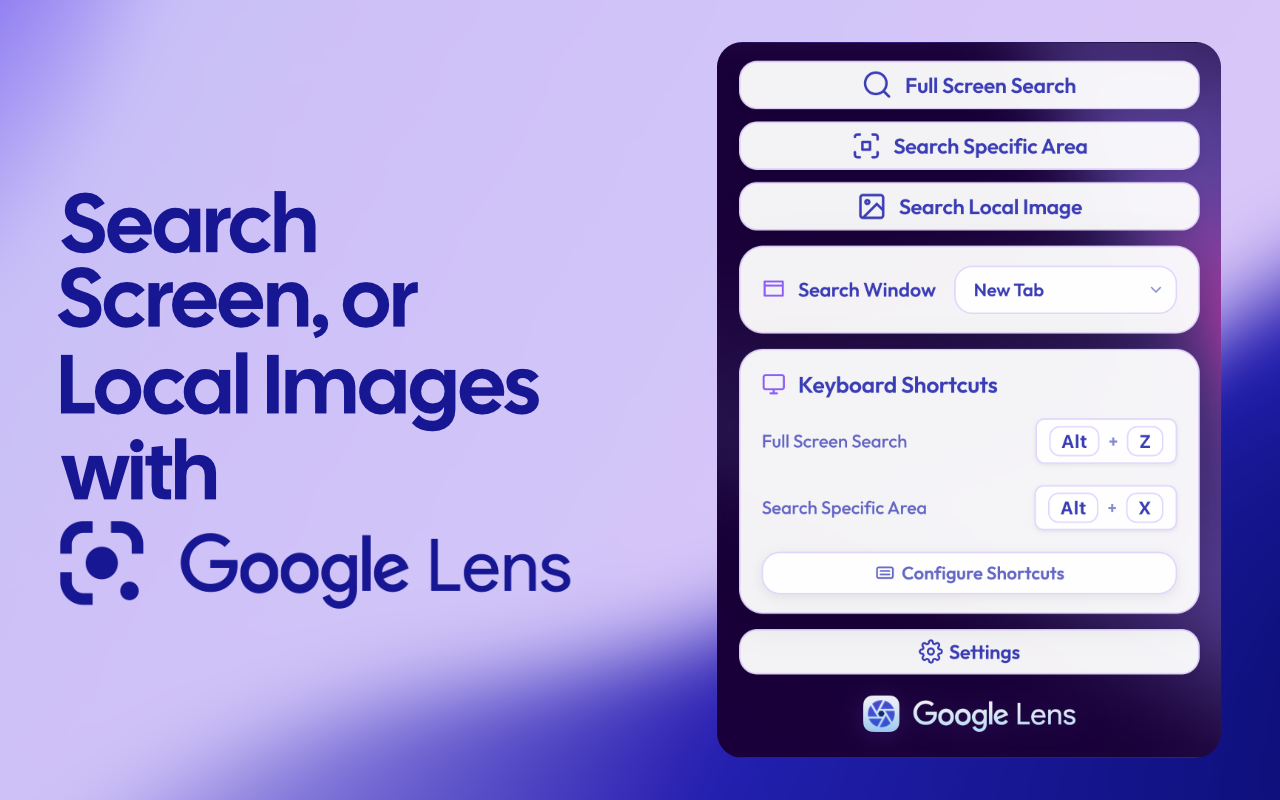
Full screen search
Capture the entire visible tab and send it straight to Google Lens. One action, instant results.
Bring Google Lens to every tab. Capture your whole screen, drag a box around any part of it, or right-click any image, then search it visually in one click. No copy, no paste, no drag.
Capture the entire visible tab and send it straight to Google Lens. One action, instant results.
Drag a box over exactly the part of the screen you care about. Only that region gets searched.
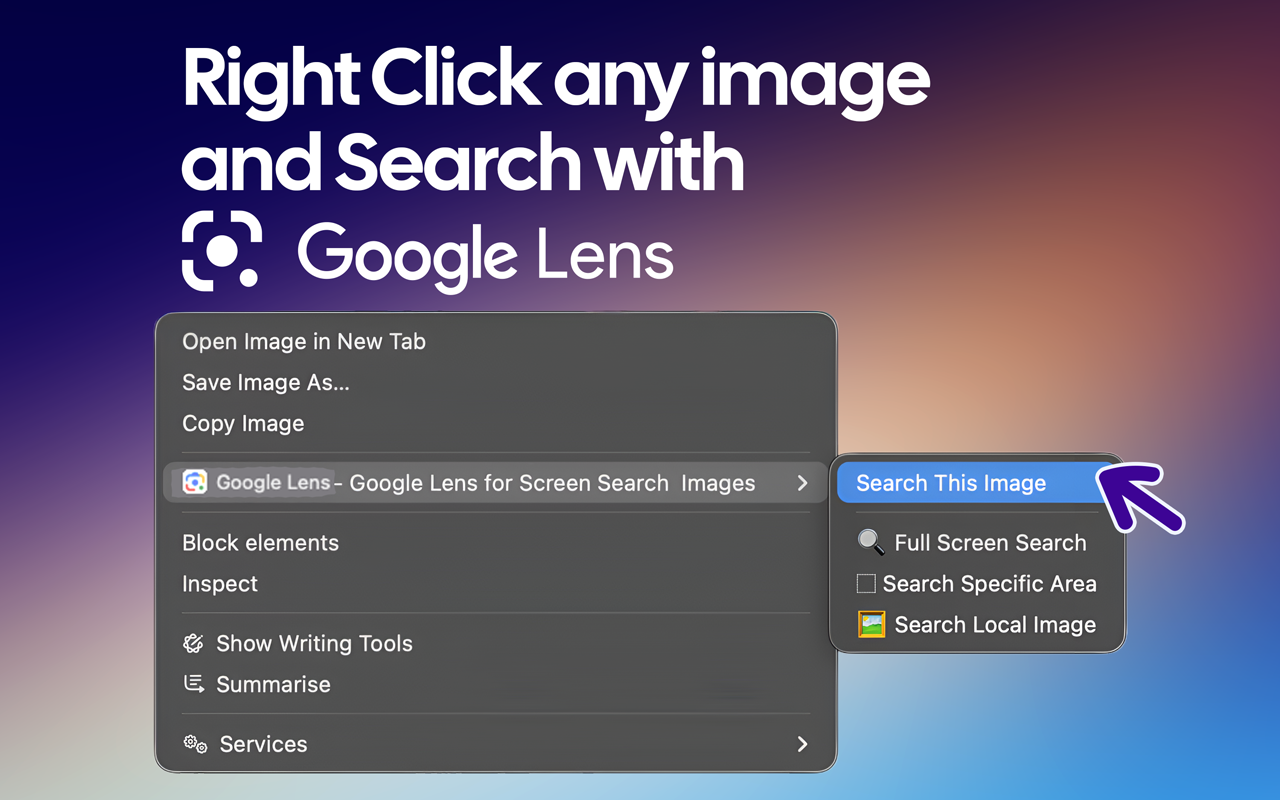
Right-click any image on any page and search it with Google Lens straight from the menu.
Pick any image file from your computer and run it through Google Lens without leaving your browser.
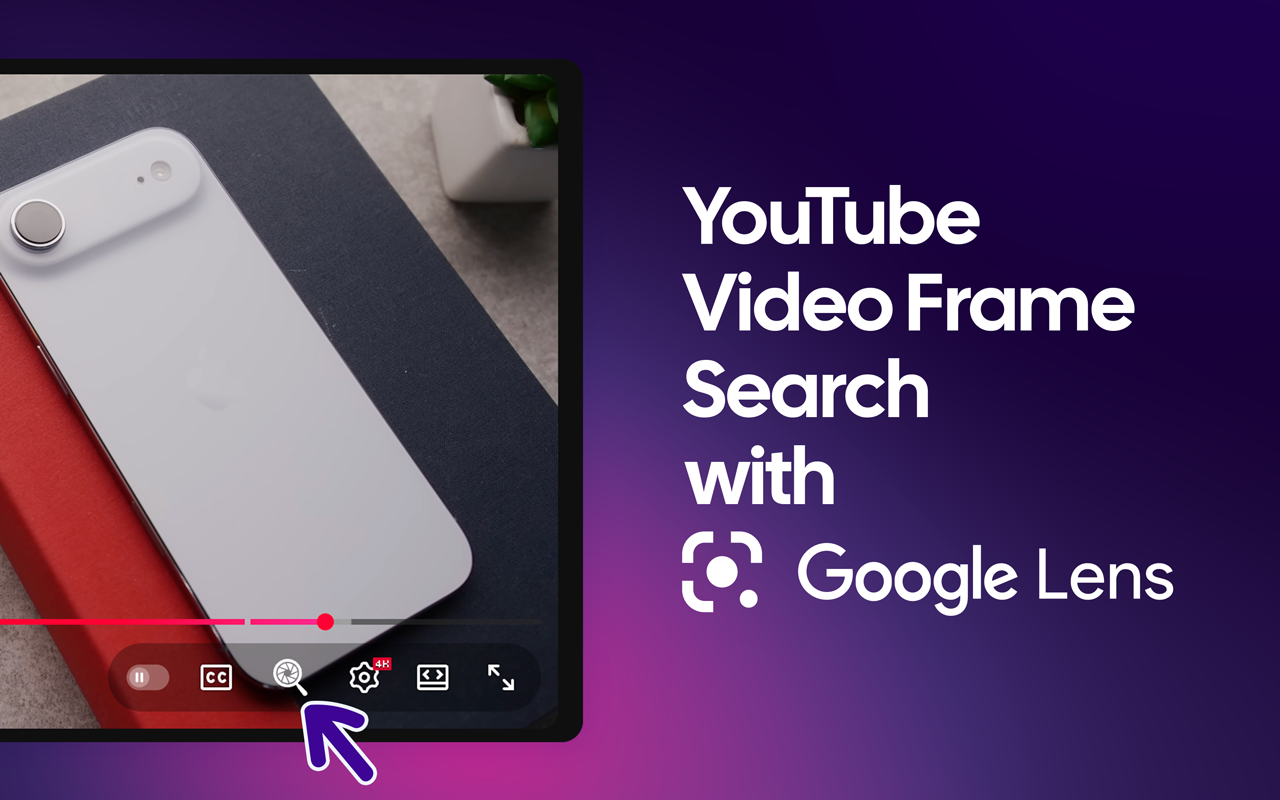
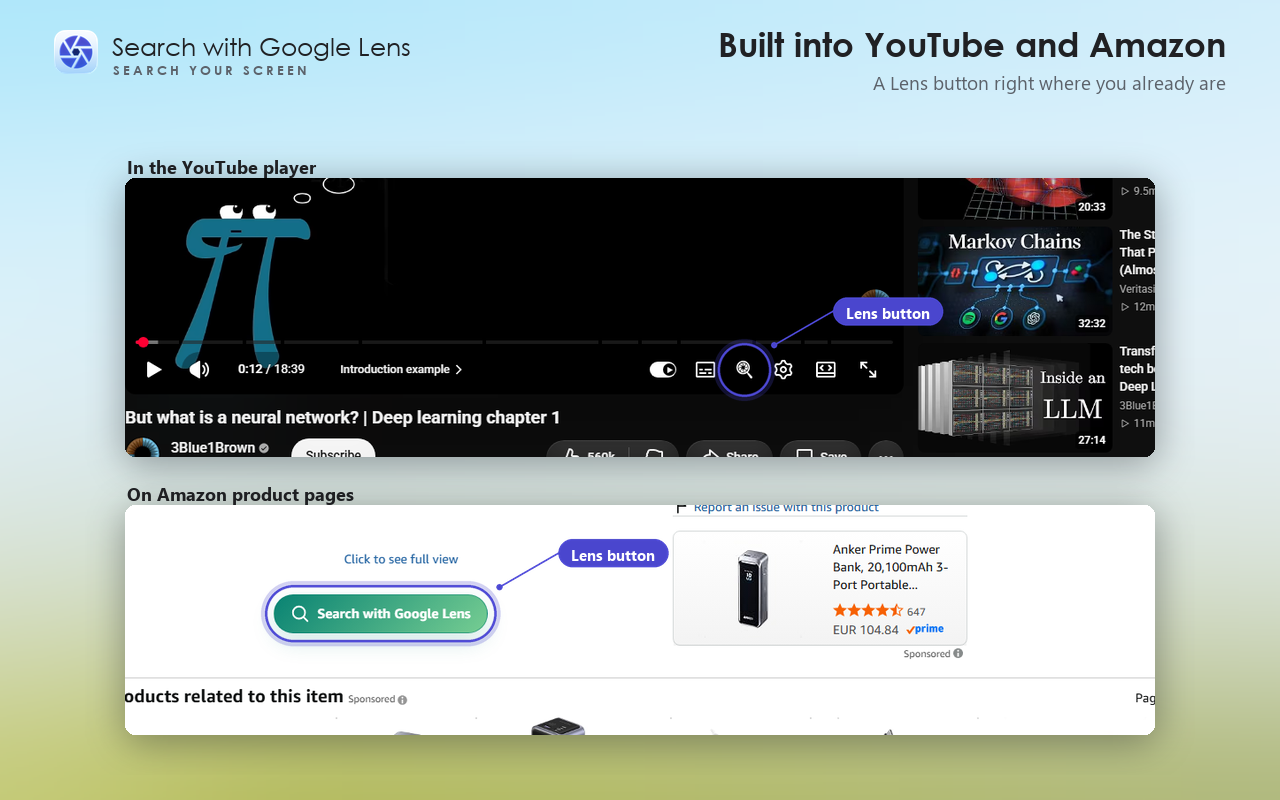
A Lens button sits right in the player. Capture the current frame to identify a product, place, or detail on screen.
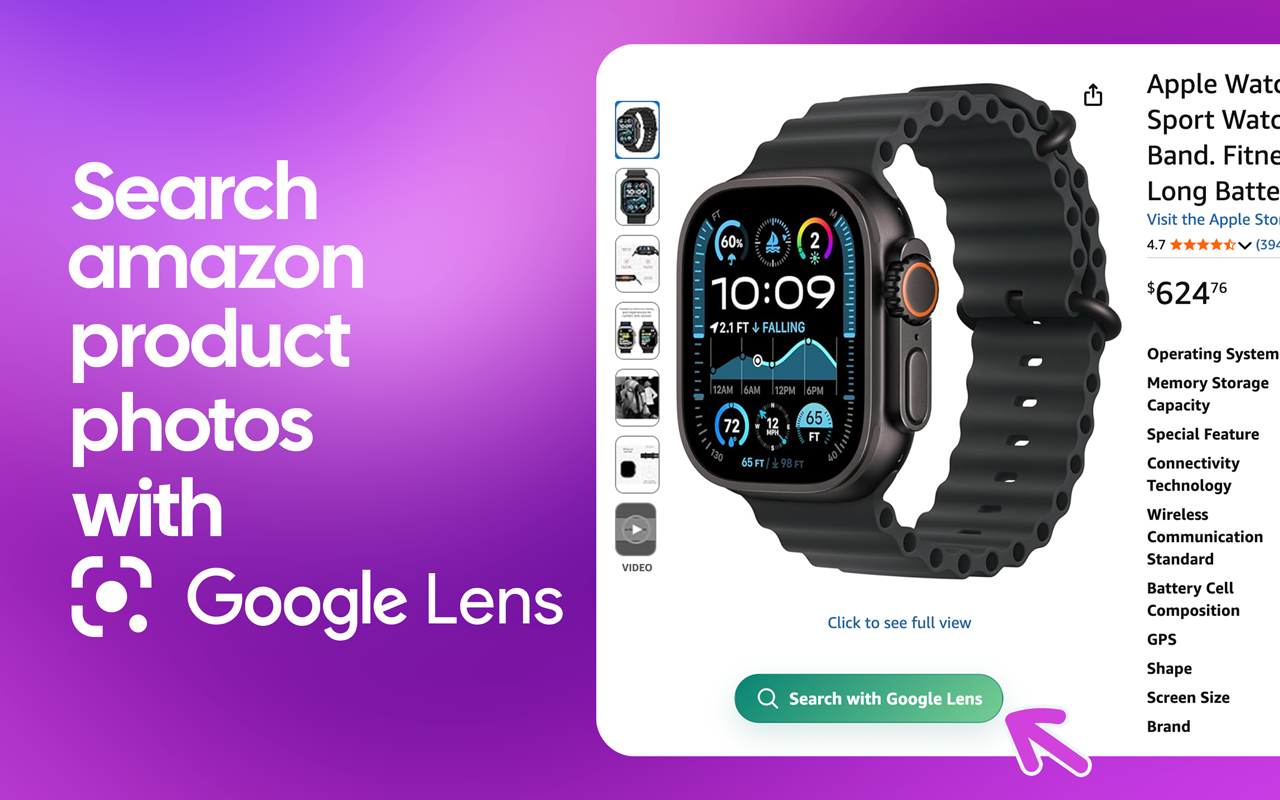
A button on Amazon product pages searches the item visually, across 20 international Amazon domains.
Choose how results open: a fresh tab, or a resizable floating window that remembers its size and place.
Toggle the right-click menus, the YouTube and Amazon buttons, and remap the keyboard shortcuts in settings.
Add the extension to Chrome and pin Google Lens to your toolbar from the extensions menu.
Click the icon, use a shortcut, or right-click any image you want to look up.
Google Lens opens with your capture already loaded, in a new tab or floating window.
Spot a product on any page or on Amazon, search it, and let Google Lens surface the same item, similar styles, and better prices.
Pause a video and hit the Lens button in the player to name the place, product, or detail you just spotted.
Fact-check a photo, trace an image to its source, or identify an unknown object straight from your screen.
Select an area over text in any image or PDF and search it. Google Lens reads and translates it for you.
Plants, animals, landmarks, artwork. Search any picture on your screen and find out exactly what it is.
No more screenshotting, saving, opening Lens, and dragging files in. It is one click from where you already are.
Free covers image search. Pro adds a text layer over the page — search inside PDFs and whole folders of images, keep every search you run, and drop the daily caps. Seven tools, unlocked in one step.
Keep a local list of your searches, with thumbnails. Stored only on this computer.
Open a PDF and search its text, including scanned pages.
Search a whole folder of images, one after another.
Save an area of a page and re-run the search on it later.
Select any part of a page and copy the text out of it.
Set your own keys for Pro actions, on top of the two built-in ones.
No daily cap on education, work-tool, or adult-site searches.
Shown in your local currency at checkout. Cancel any time — Pro keeps working until the end of the period you already paid for. Use it on up to 3 of your devices, and everything Pro finds stays on your own computer, same as the free tier.
It puts Google Lens one click away from any browser tab. Capture your whole screen, drag a box around part of it, pick a local image, or right-click any image on a page, and the extension runs it through Google Lens instantly, with no copy, paste, or drag.
It is built for Chrome and other Chromium-based browsers.
Yes. It is completely free, with no account or sign-up required.
Yes. A Lens button appears in the YouTube player so you can search the current frame, and a button on Amazon product pages searches the item visually across 20 international Amazon domains.
Captured images are sent only to Google Lens to perform the search. The extension adds no analytics, tracking, or third-party servers of its own.
Yes. Choose Search Specific Area, then drag a rectangle over the region you want. Only that area is sent to Google Lens.
No. Every search feature above is free, with no account or sign-up. Pro is a separate $1.99/month add-on for people who also want to search PDFs, keep a searchable history, and drop the daily caps on certain site categories.
Yes. Search history, saved areas, folders, and extracted text are stored only in your own browser and are never sent to us. Buying Pro adds one thing we do collect: your email address, used to send the activation code that unlocks Pro on your other devices. See the privacy policy for the full breakdown.
Free Chrome extension. No account needed.
Join 30,000+ people who reverse-search, shop, and translate straight from their browser.
Add to Chrome, it is freeChrome, Edge, Brave, Opera and other Chromium browsers